
I think it was Instagram that first introduced the concept: removing the “waiting” part from our actions in the app.
Before that, the standard pattern in UI design was simple: you clicked a button and waited until the action was completed. This pattern likely existed because it was reasonable to assume users wanted immediate confirmation that an action was finished, deleted, or errored out.
But over time, we realized that many actions aren’t that critical. As we started moving faster, we wanted the application to just “take care of it”.
We only really wanted to know if things went wrong. Since errors represent a tiny fraction of the workflow, the trade-off made sense.
Optimistic UIs
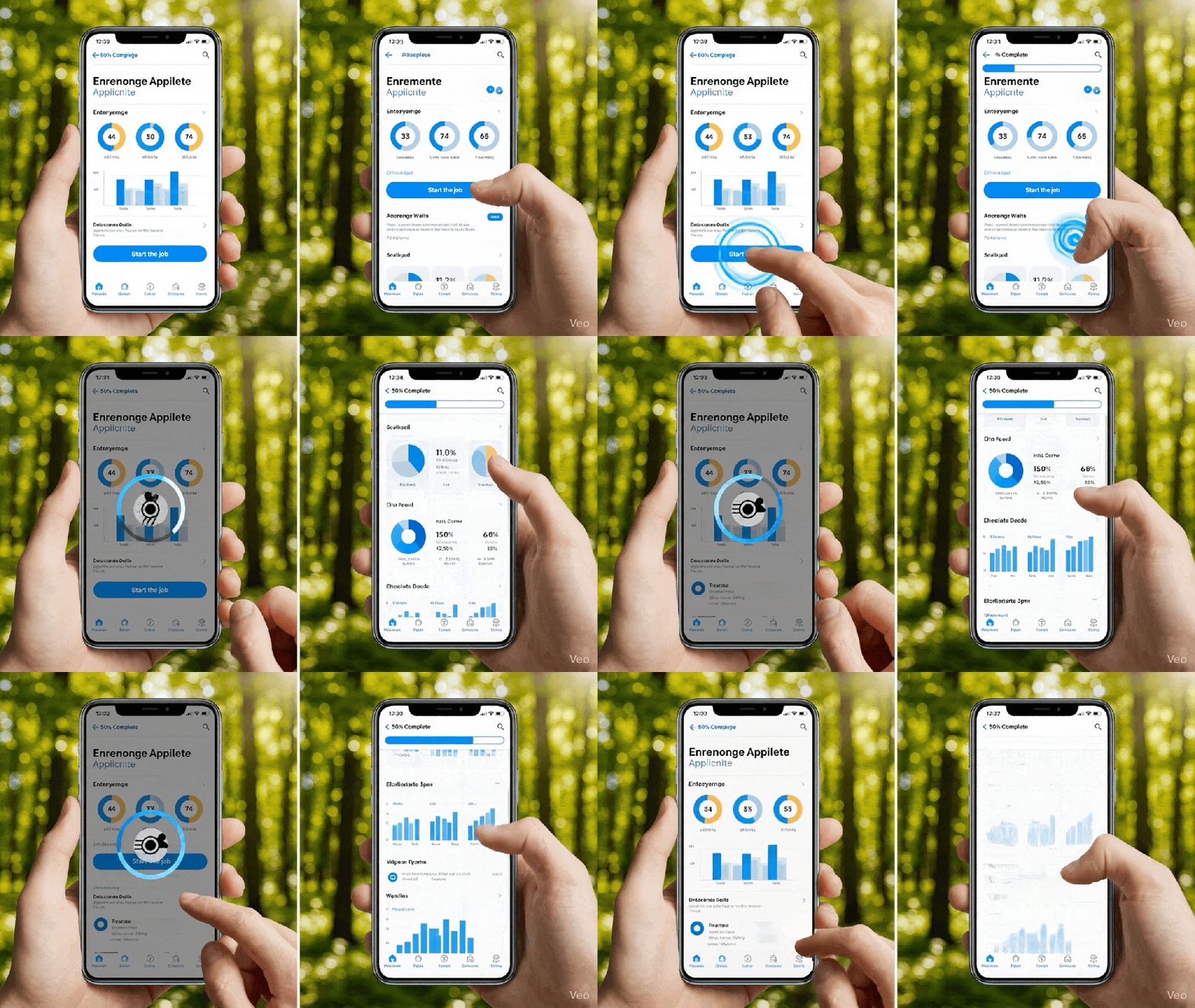
Optimistic UIs started to become more common. You’d upload an image, and the app would let you continue as if it were already done, processing the heavy lifting in the background.
This was a paradigm shift. You could either force a user to wait seconds, or even minutes, depending on complexity, or you could let them move forward. By not blocking the user, the interface allowed for a continuous flow of action.
The second wave of waiting
I believe we are seeing a second wave of this pattern now with AI agents.
Right now, interacting with AI often feels like the “pre-Instagram” era of the web.
Every time you ask an AI something, you’re stuck waiting for the application to finish “thinking” and applying that thought. In software development specifically, this often means you can’t touch a repository while the AI is working on it.
How are tools solving this? We are starting to see the emergence of parallel workspaces:
- Cloud Agents: Tools like OpenAI Codex provide cloud-based agents to delegate actions without locking up your local environment. (Jules does the same for Gemini, although not as tightly integrated as Codex)
- Virtual Workspaces: Git applications like GitButler are exploring separate virtual “workspaces” (they call it Virtual Branches) where agents can act independently, allowing you to build multiple features simultaneously (
- Visual Workflows: In image editing, apps like Freepick or “FloraFauna” offer an UI similar to Zapier/n8n to allow you to chain AI workflows together so they process multiple tasks at once.
Intentional Multitasking
The true power of AI is its ability to let people do more by relying on the one thing only humans can provide: valuable attention and review.
Currently, most AI interfaces tie you to a single chat. If you want to multitask, you have to manually open new tabs, and even then, the context doesn’t always follow making it harder to move quickly .
The goal is intentional multitasking: a scenario where the user is not blocked by a loading spinner and can continue working without losing focus.
Focus better, focus more
I’ll close with a story. Many years ago, I worked on project where every edit required a full rebuild. That rebuild took two to five minutes, during which the entire editor was blocked.
In those five minutes, we would lose all context and the focus. We became less efficient, less focused, and ultimately less creative.
The ability to run multiple commands while maintaining focus will be one of the challenges for many products since now we can do more, but we should leverage these new skills while not losing the focus and, instead, by enhancing the focus itself so we can do more things, better.

Leave a comment